
Free Online Photo Cutout Tool
Cut out photos in seconds with AI. Create clean images of products, portraits, and more, then refine your cutouts for any creative project.


Batch up to 15 photos at once
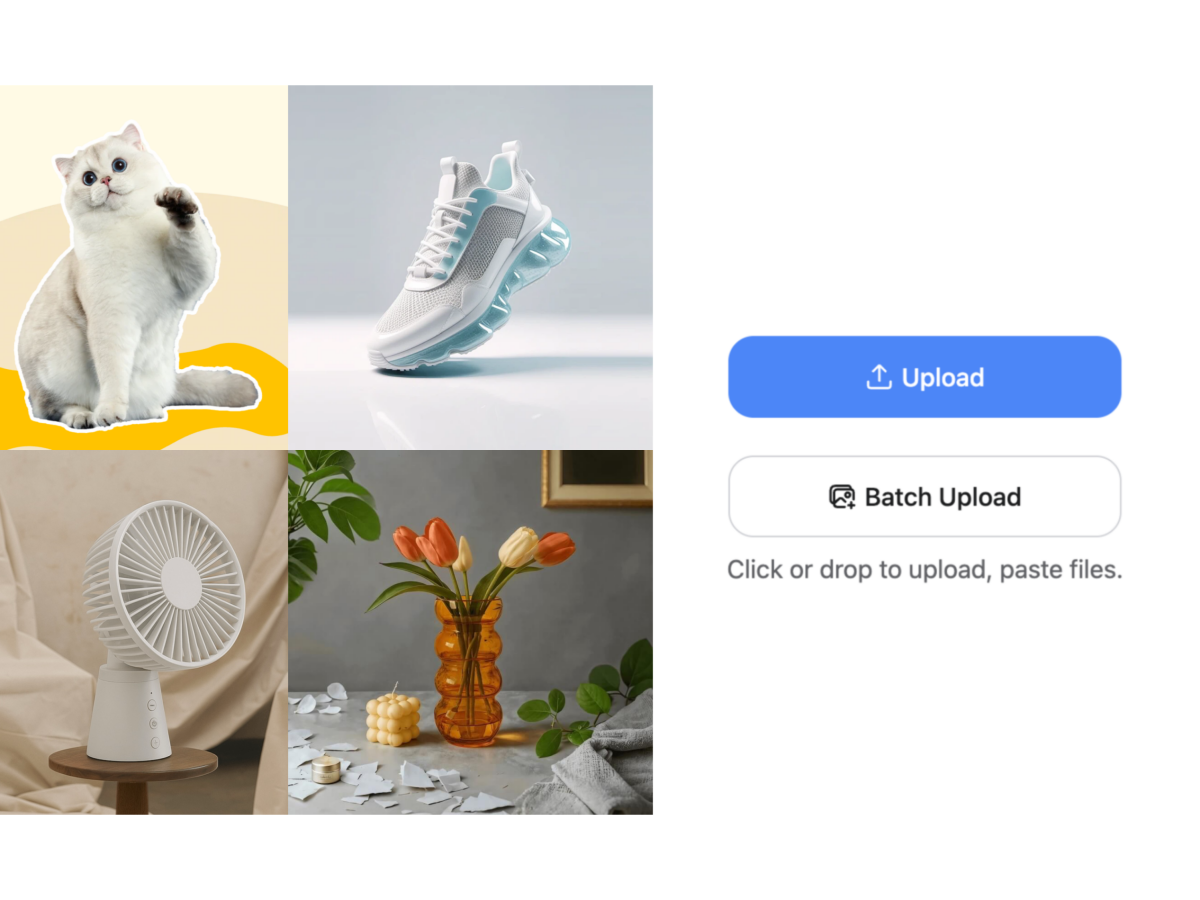
No picture on hand? Try with one of these
A Leader in Image Cutout Quality
Global Runner-up at the CVPR 2024 competition. Breakthrough research published at AAAI and CVPR.






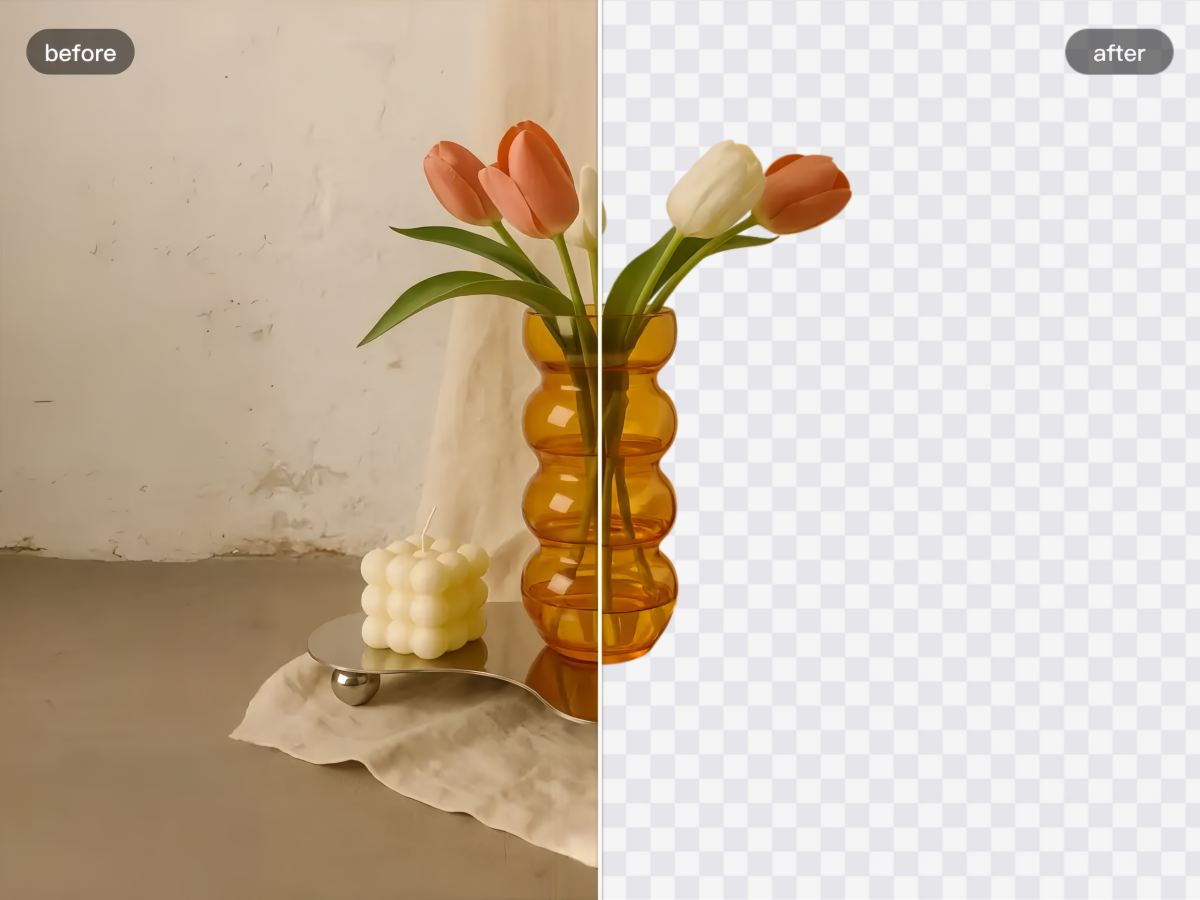
Fast and Flawless Photo Cutout
Upload your image and let Designkit automatically detect the subject and cut it out in seconds. No complex editing or design skills required.
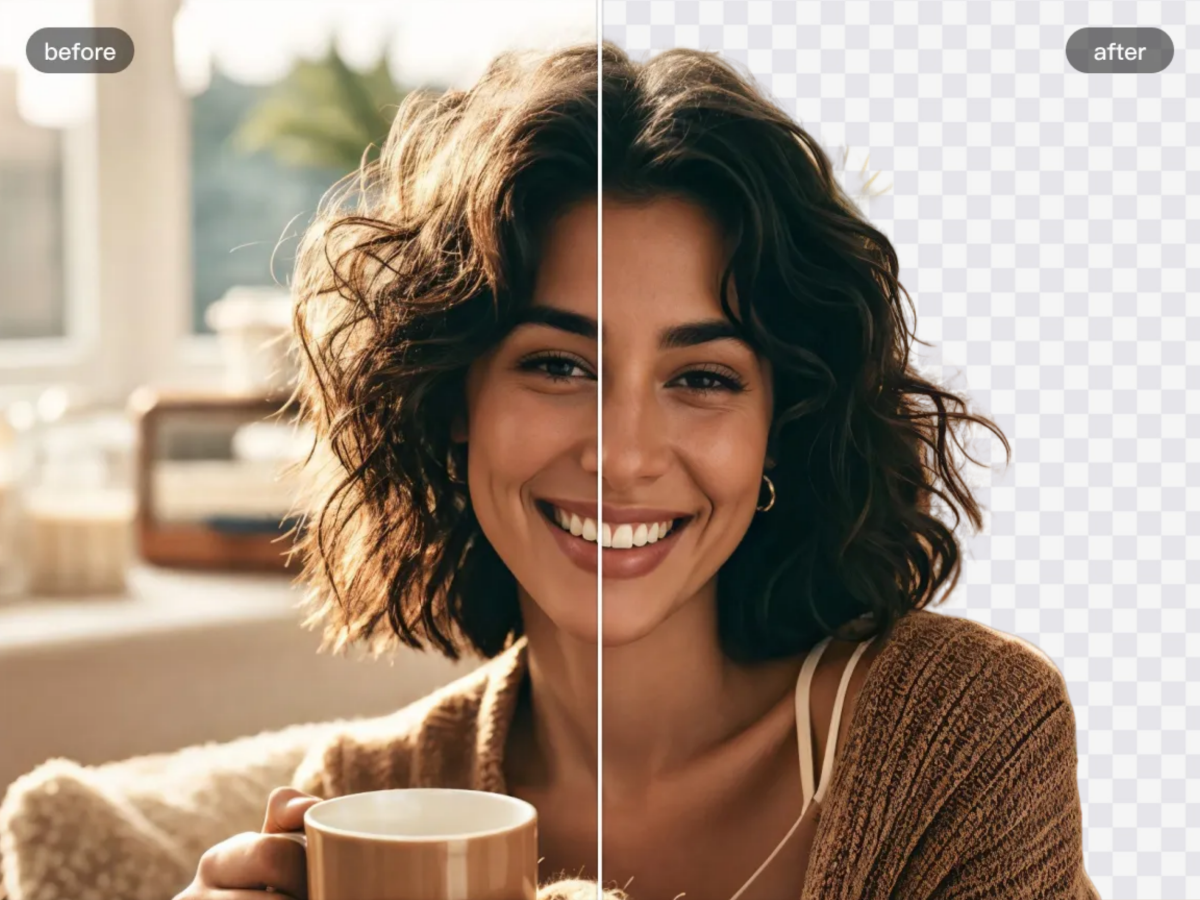
Preserve Fine Details and Edges
Keep important details like hair, fabric edges, and shadows when cutting out an image. Refine edges and corners for a cleaner, more precise result.
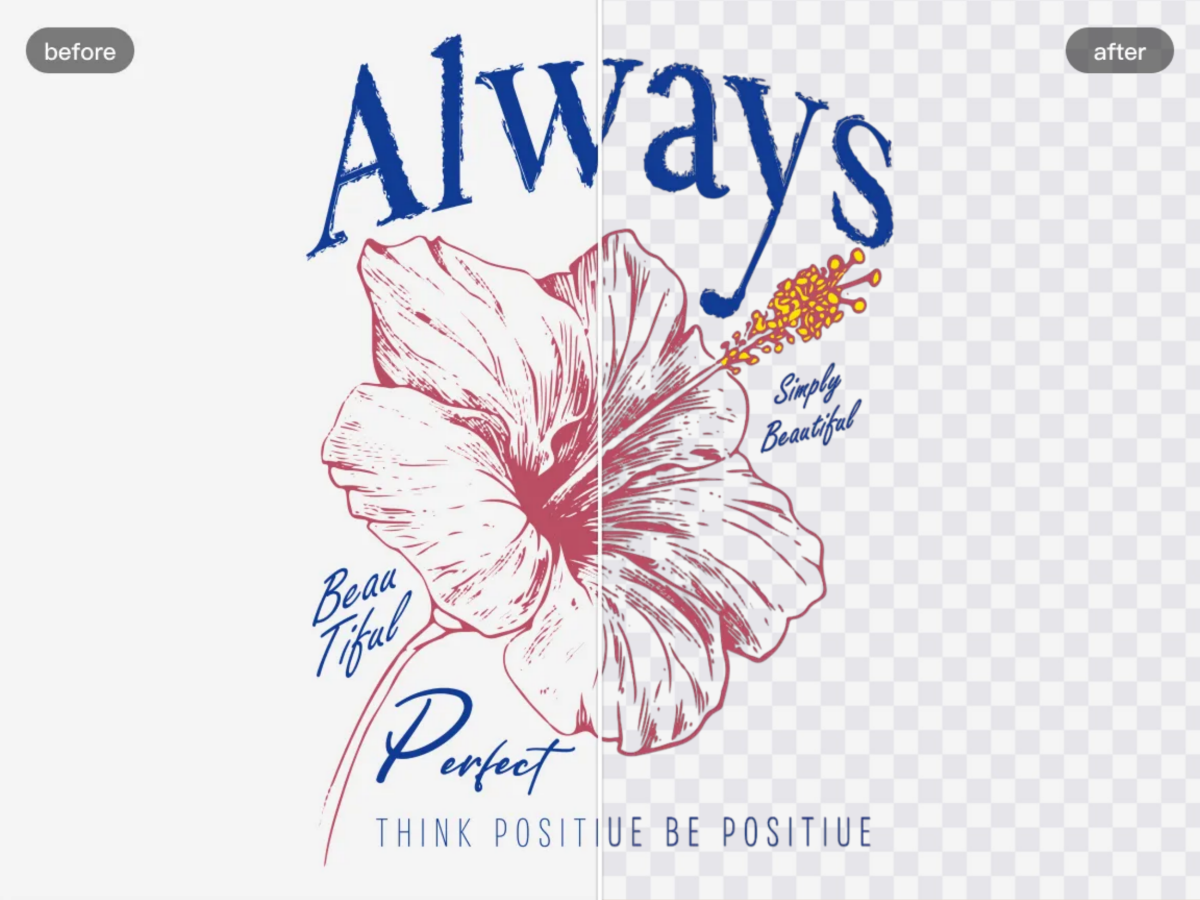
Clean Cutouts for Stamps and Signatures
Remove unwanted backgrounds from stamps and signatures while preserving their visible details. Create clean cutouts for documents, designs, and other layouts, with solid-color or transparent backgrounds.
How to Cut Out an Image?
01. Upload Your Image
Upload a JPEG, PNG, or WebP image from your device to get started.
02. Remove the Background
Let AI automatically detect the subject and remove the background to create a clean cutout.
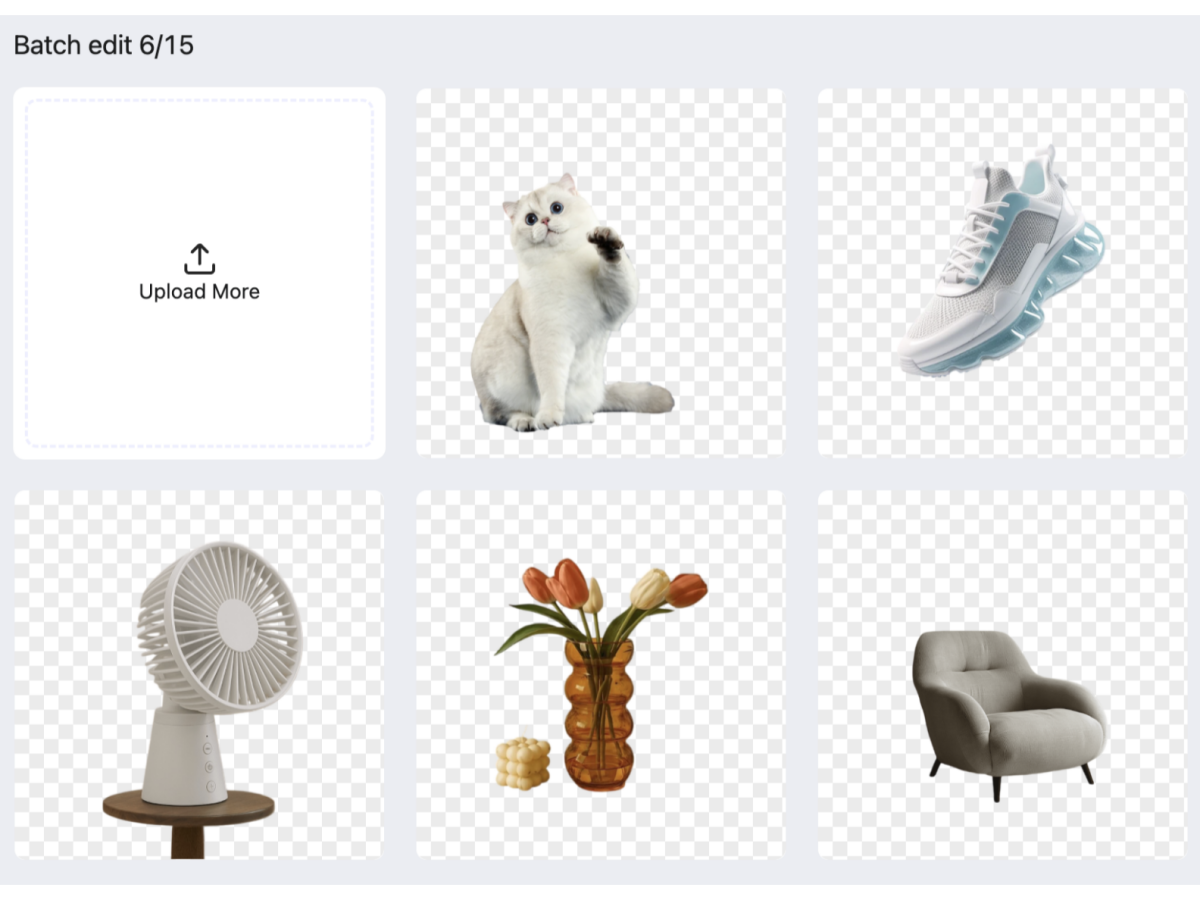
03. Edit or Export Image
Download your cutout or open the photo editor to change the background and make further edits.
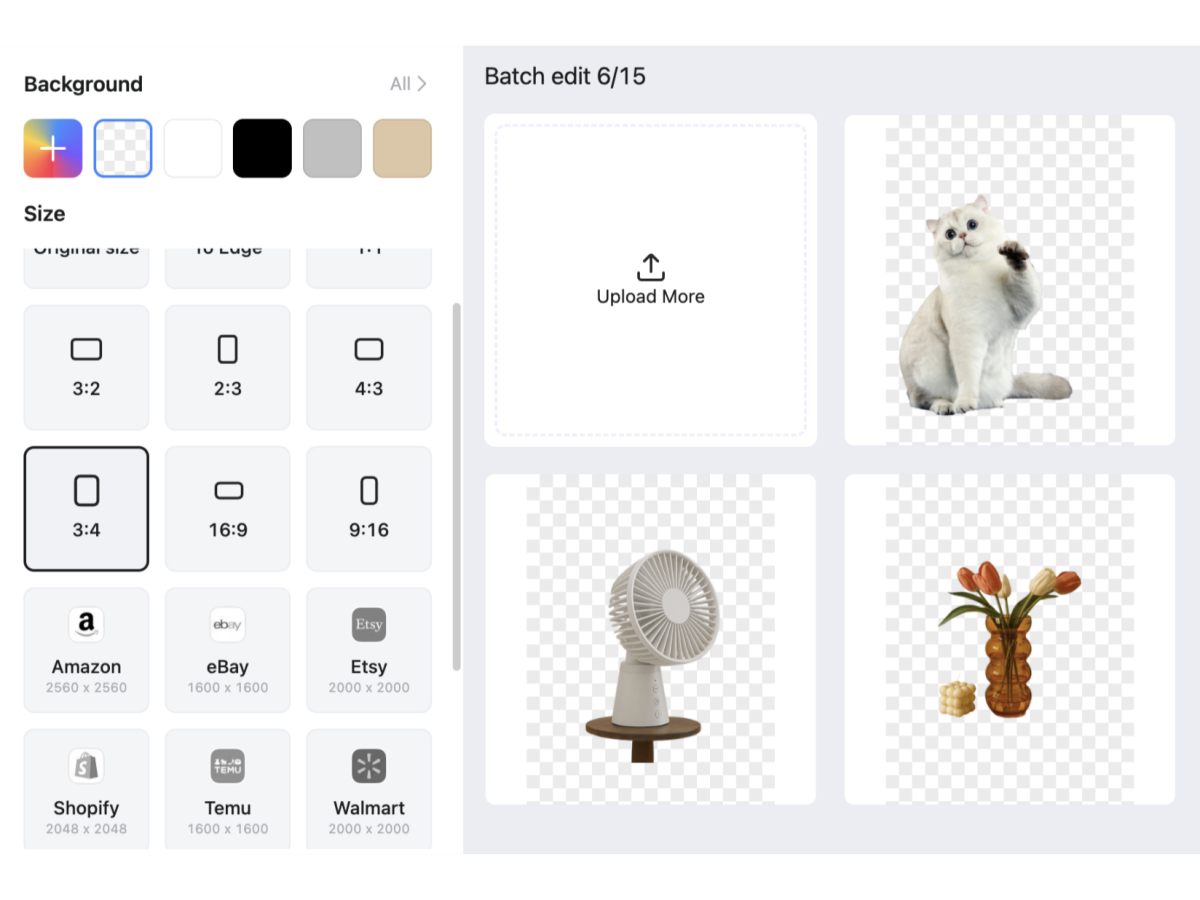
Clean Cutouts for Every Image Type

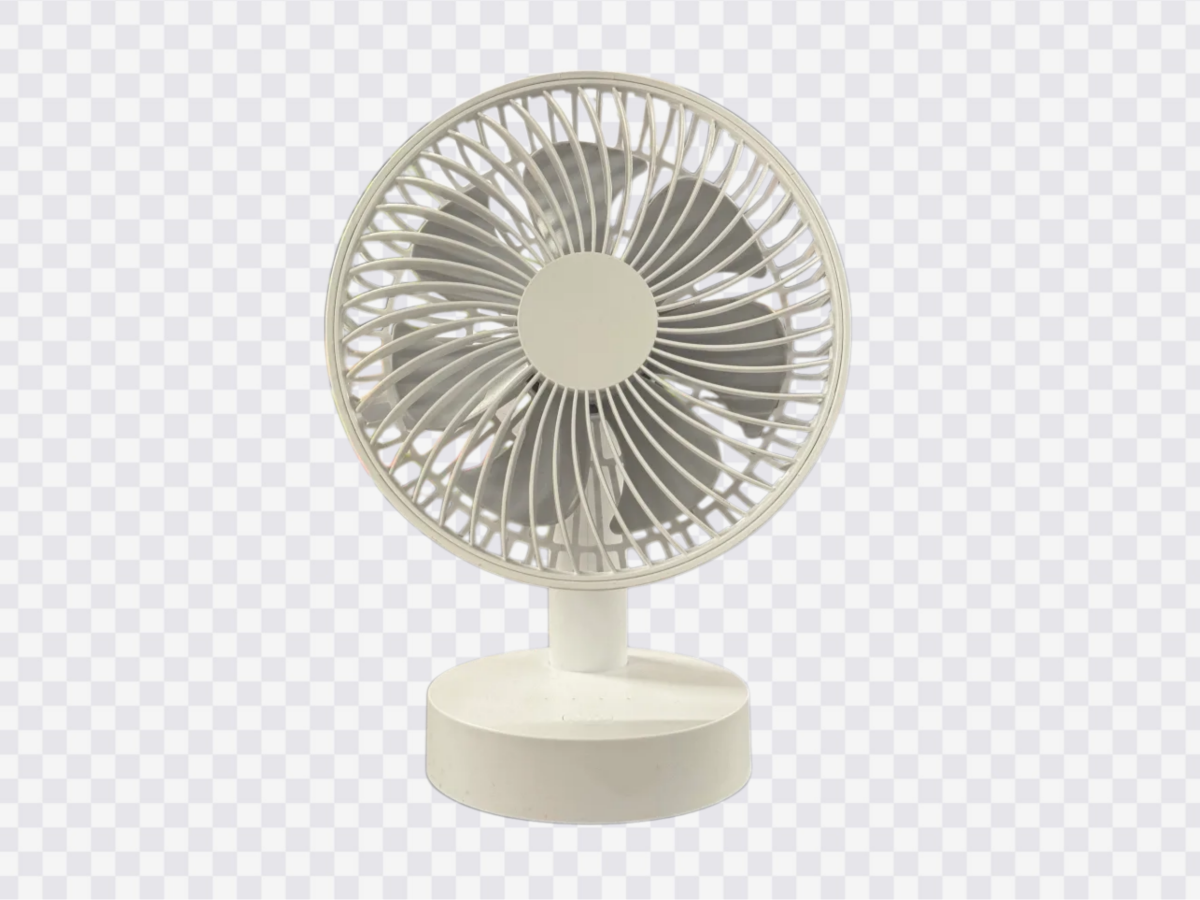
E-Commerce Product Photos
Create clean product cutouts for online stores, product listings, and marketing visuals.




FAQs
Is Designkit's photo cutout tool free to use?
Can I change the background after cutting out an image?
Yes. After cutting out your image, you can replace the background with a solid color, a gradient, or a custom image to suit your design.
Which image formats does Designkit support?
Designkit supports JPG, PNG, and WebP images for upload. You can export your cutout as a transparent PNG for use in product listings, presentations, and other designs.
Can I refine the cutout if the result isn't accurate?
You can continue editing your cutout with Designkit's available editing tools. If manual edge refinement is supported in the current editor, you can also adjust the edges to improve the result.
Create Clean Cutout Images with Designkit
Remove image backgrounds with AI, refine your cutouts, and prepare clean visuals for product listings, social media, and creative projects.


