
Best Headshot Generators: 9 Tools Compared for Professional Portraits
Create professional AI headshots without a studio session. Compare the best AI headshot generators for realism, customization, pricing, and business use cases in 2026.

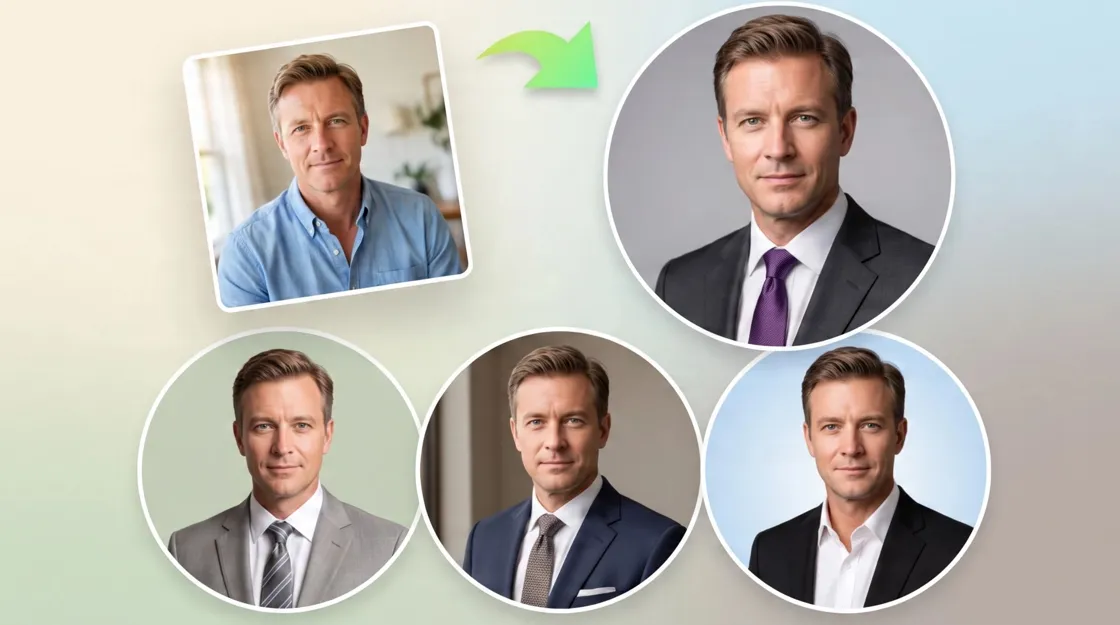
Creating a professional headshot no longer requires a studio session or expensive photography equipment. AI headshot generators can turn regular photos into polished portraits for LinkedIn, resumes, websites, and personal branding. If you're looking for the best AI for headshots, the right choice depends on the type of workflow you prefer, the number of photos you need, the turnaround time, and how much control you want over the final image.
Key takeaways
Aragon AI is our pick for the best overall dedicated headshot service.
Headshots.com focuses on studio-style professional portraits.
HeadshotPro is suited to professional and team profiles.
BetterPic and Secta AI are useful for users who want more portrait variety.
ProfilePicture.AI is a dedicated option for profile images.
insMind, Designkit, and Canva use broader AI image workflows.
Photos required, turnaround time, and number of outputs can be just as important as realism and price.
What is an AI headshot generator?
An AI headshot generator turns personal photos or image references into professional-looking portraits. It can alter clothing, lighting, backgrounds, framing, and other visual elements while maintaining recognizable facial features.
If you're wondering what the best AI headshot generator is, the answer depends on how the platform creates its results. Dedicated services typically rely on multiple selfies for batch generation, whereas general AI image tools can create individual portraits from a reference image and prompt.
How AI-generated headshots work
AI-generated headshots typically follow four basic stages, although the exact process varies by tool.
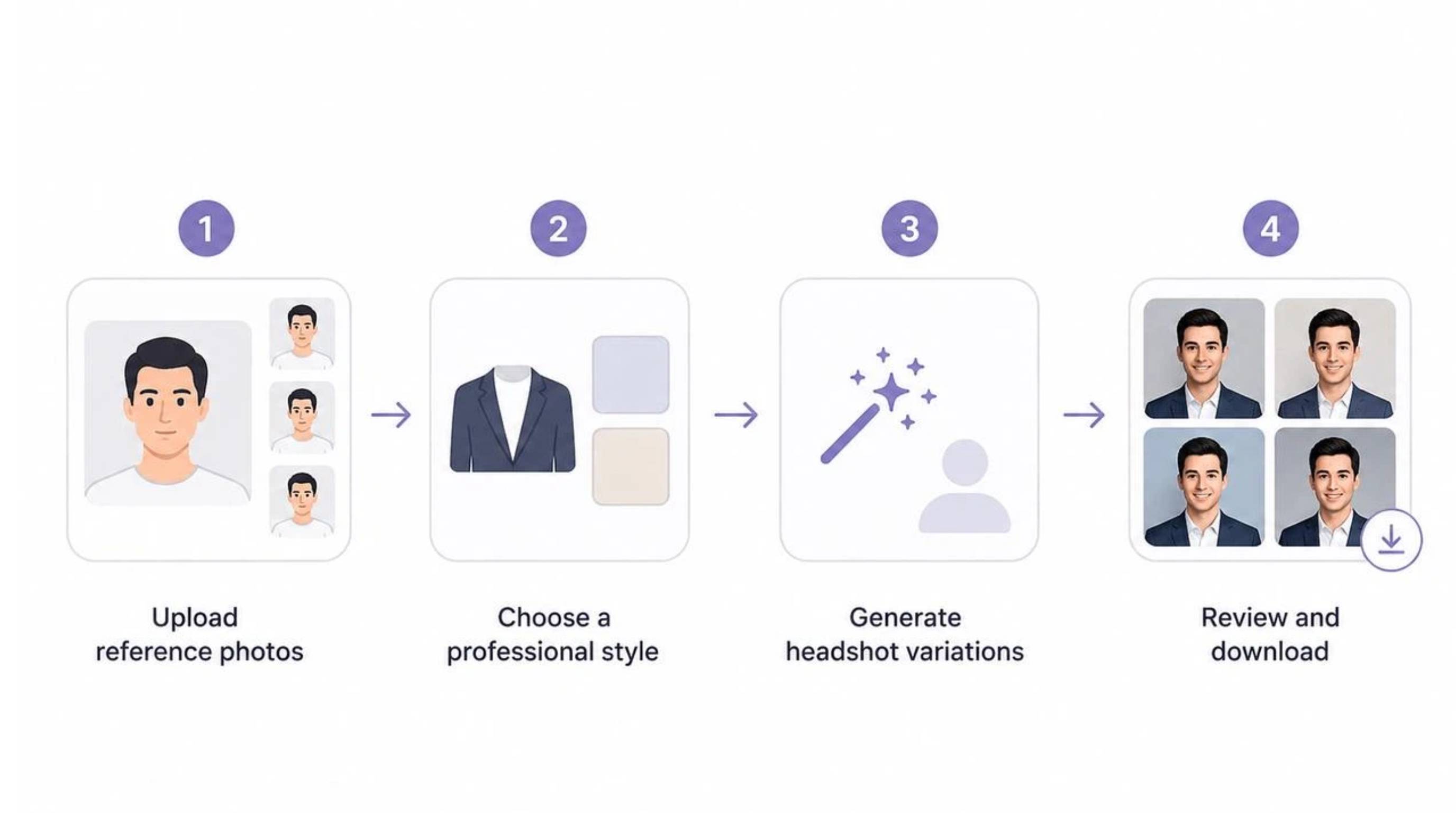
Upload reference photos
Dedicated services usually ask for several selfies to capture your appearance. General AI image tools may work with one reference image instead.
Choose a professional style
Select a suitable background, outfit, lighting, framing, or portrait style. Some platforms provide preset looks, while general AI tools may give you more prompt-based control.
Generate headshot variations
The platform creates portraits based on your reference photos and selected settings. Dedicated services may produce a batch, while general tools can generate individual variations.
Review and download
Check facial resemblance, skin texture, eyes, hair, proportions, lighting, and background. Choose the versions that look natural and match your intended use.
Who can use AI headshot generators?
AI headshot tools can help anyone who needs a professional portrait without arranging a traditional photoshoot.
Job seekers and professionals
Create updated portraits for LinkedIn, resumes, professional directories, and company profiles. You can also maintain a consistent image across different professional platforms.
Freelancers and consultants
Freelancers can refresh profile photos for websites, portfolios, proposals, and social profiles without scheduling another photoshoot.
Entrepreneurs and business owners
Business owners can create portraits for websites, speaker profiles, social accounts, and personal branding materials.
Creators and personal brands
Creators can experiment with different professional looks for websites and social profiles, especially when they need more than one portrait style.
Teams and small businesses
Dedicated headshot services can be useful for companies that need consistent employee portraits for websites and internal profiles.
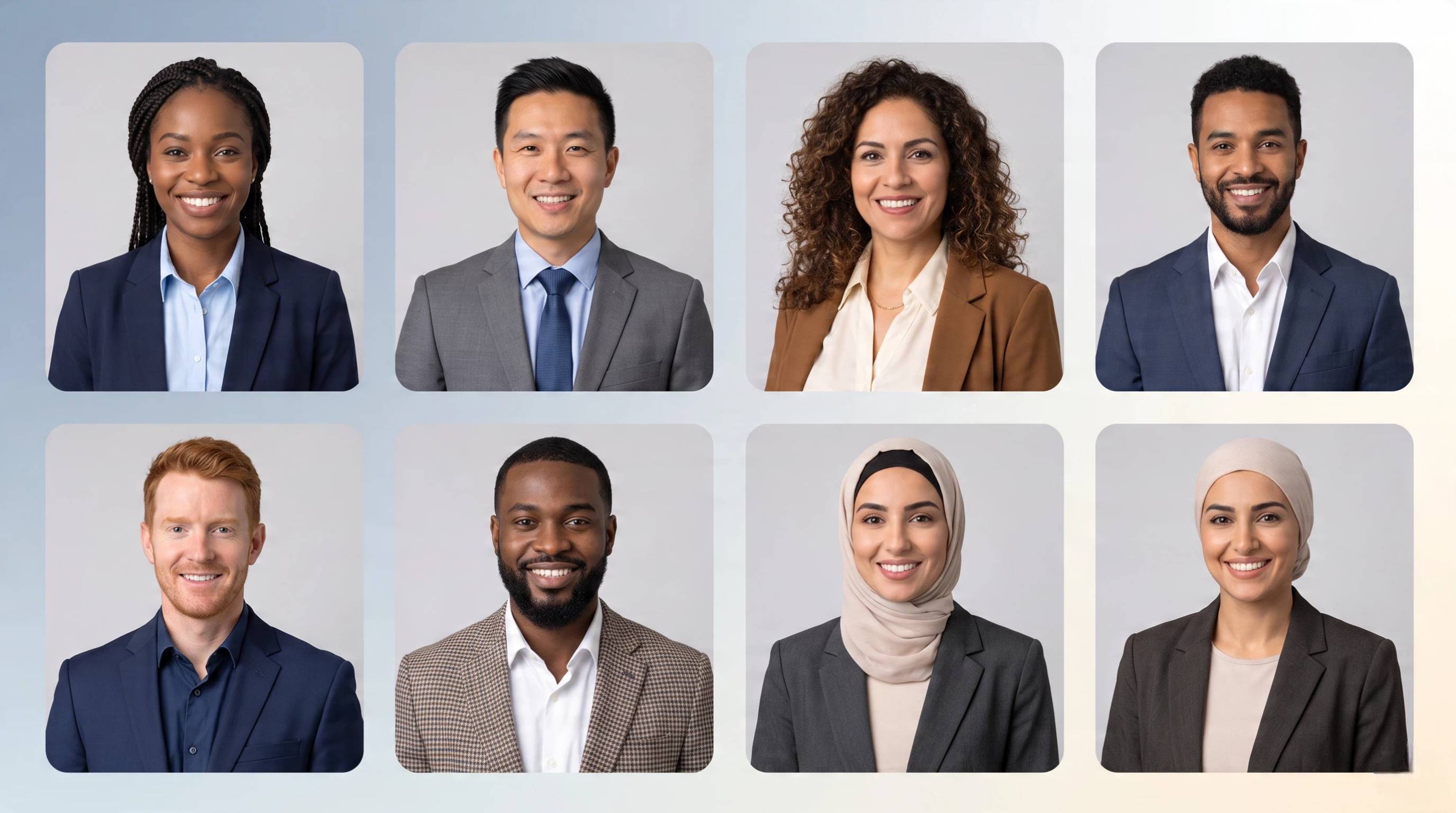
Why use AI for professional headshots?
AI can reduce the time and coordination involved in creating a new professional portrait.
Create professional photos without a studio session
You can start with existing photos instead of arranging a photographer, location, lighting, and schedule.
Generate multiple professional looks
Depending on the platform, you can explore different outfits, backgrounds, lighting setups, and compositions from the same reference material.
Update outdated profile photos quickly
If your current profile image is several years old, an AI workflow can provide new options without another photoshoot.
Maintain consistent visual branding
A consistent portrait style can help keep your professional image aligned across websites, profiles, presentations, and social platforms.
How we evaluated the best AI headshot generators
We compared the nine tools based on facial realism, professional appearance, image quality, customization, pricing, and ease of use. We also looked at three practical criteria that can change the decision: photos required, turnaround time, and number of outputs. These tools were split into two groups because they do not follow the same workflow
Dedicated headshot services: Headshots.com, Aragon AI, BetterPic, HeadshotPro, Secta AI, and ProfilePicture.AI.
General AI image tools with a headshot workflow: insMind, Designkit, and Canva.
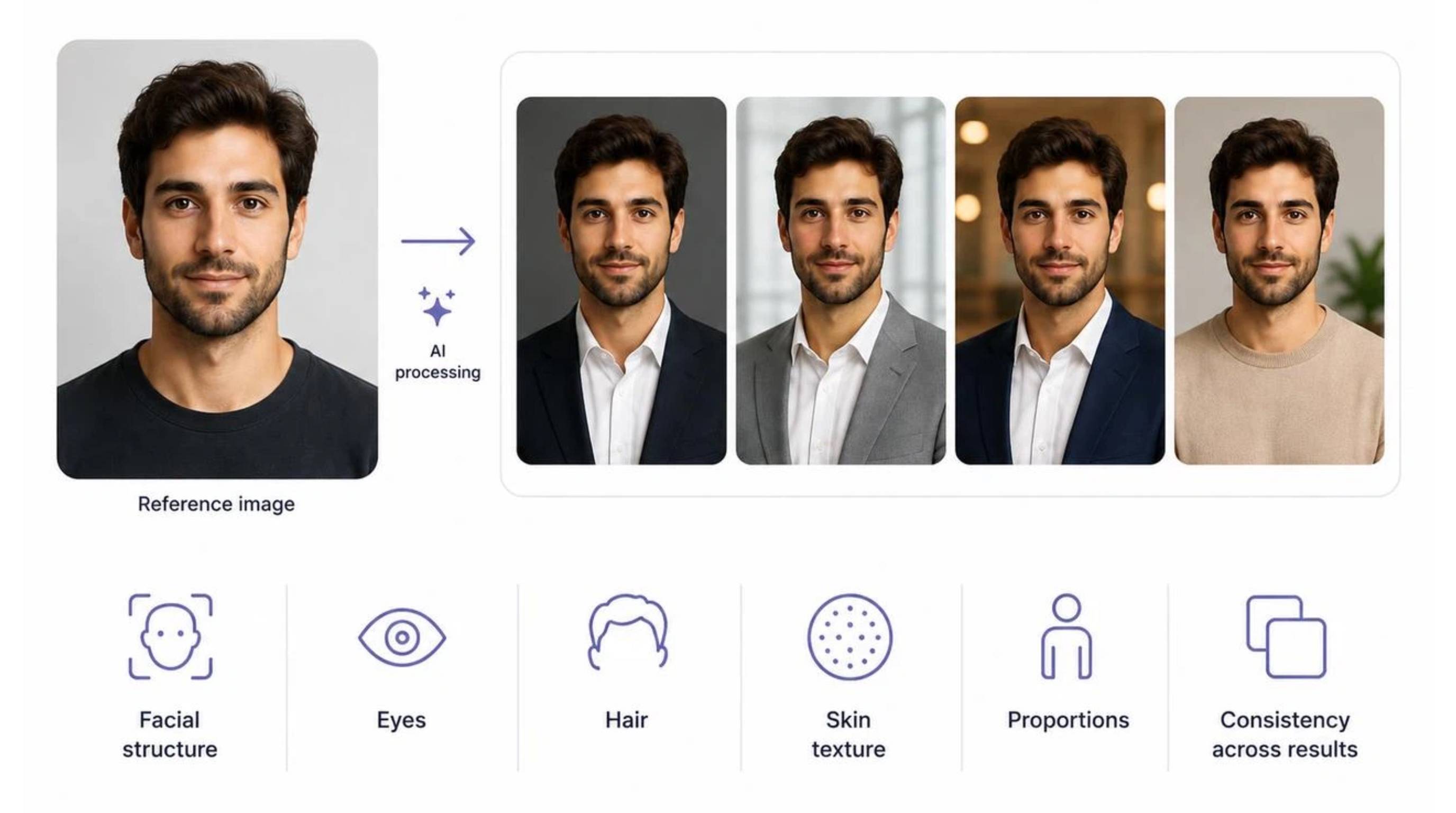
Facial realism and identity preservation
A professional portrait should still look like the person in the reference image. We considered facial structure, eyes, hair, skin texture, proportions, and consistency across results.
Professional appearance
We looked at lighting, clothing, backgrounds, framing, and posing to determine whether results are appropriate for LinkedIn, resumes, company websites, and professional profiles.
Customization and image quality
We considered control over backgrounds, outfits, lighting, framing, and styles, along with resolution, facial details, artifacts, and consistency.
Photos, turnaround, and outputs
These details help distinguish the workflows. A service requiring several selfies and delivering a large batch serves a different need from a tool that creates one portrait from a single image in a short workflow.
Pricing and usage rights
We considered free access, paid plans, credits, image limits, watermarks, downloads, and usage terms. Always check current official pricing and licensing information before purchase or commercial use.
Best AI headshot generators in 2026
If you're searching for the best free AI headshot generator, start by checking what the free option actually includes. Some tools may limit credits, resolution, styles, downloads, or commercial usage. Free access can be useful for testing a workflow, but users who need a larger batch of professional portraits may find a paid dedicated service more suitable.
Here is the completed table with the verified details filled in for each AI headshot service:
Tool | Best for | Starting price | Photos required | Turnaround | Headshots delivered | Tool type |
|---|---|---|---|---|---|---|
Aragon AI | Best overall | $12 (discounted from $35) | 6 photos | As quick as 30 mins | 40–100 | Dedicated headshot service |
Headshots.com | Best studio-style realism | $25 per person | 1 photo | ~3 business days (human-assisted) | 3 options per submission | Dedicated headshot service |
HeadshotPro | Best for professional and team profiles | $29 | few selfies | As quick as 15 mins | 30-70 | Dedicated headshot service |
BetterPic | Best for headshot variety | $35 | few photos | ~1 hour | 20–120 | Dedicated headshot service |
Secta AI | Best for creative volume | $49 | Few photos | ~2 hours | 200+ | Dedicated headshot service |
ProfilePicture.AI | Best budget dedicated option | $6.4 | 1 photo | ~1 hour | 96-900+ | Dedicated headshot service |
insMind AI Headshot Generator | Best for a quick one-photo workflow | Free tier available (Paid starts ~$5.83/month) | 1 photo | < 1 min | 1–4 per generation (100-3000 Images total) | General AI image tool |
Designkit | Best if you also need other visual assets | Free trial / ~$9.99/mo | 1 photo | Instant (< 1 min) | Varies / On-demand | General AI image tool |
Canva | Best free option to test | Free (or $14.99/mo for Canva Pro) | 1 photo | Instant (< 1 min) | 1–4 per generation | General AI image tool |
Aragon AI: Best overall
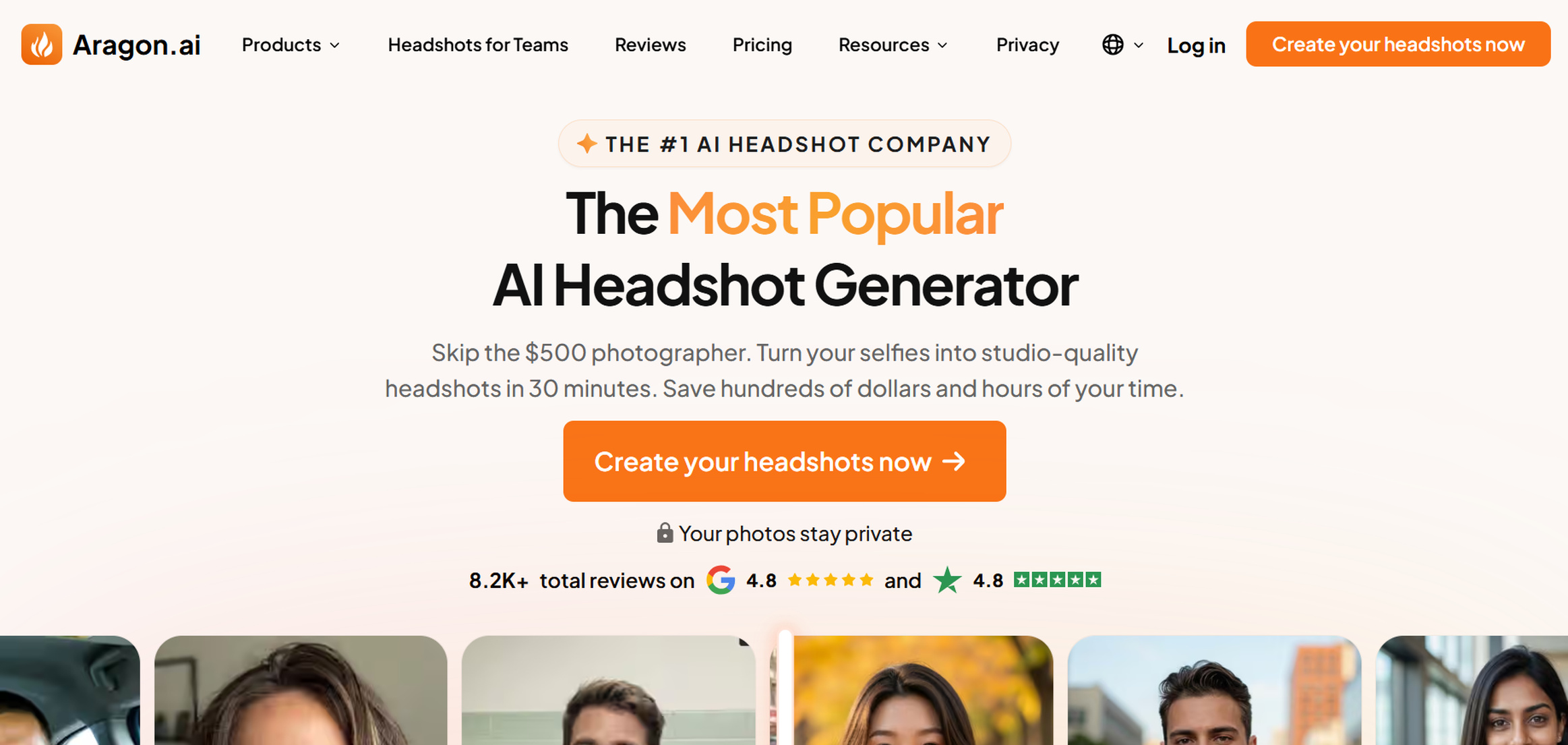
Aragon AI is a dedicated headshot service designed around professional portrait creation. It is a strong choice if you want a specialized workflow rather than a general image-generation platform.
Key features
Aragon focuses on professional portraits and is designed to create multiple business-ready headshot options from user-provided photos.
Headshot quality
Look for natural facial structure, realistic skin texture, believable lighting, and consistent identity across different generated portraits.
Pros and cons
Pros: Specialized workflow, professional focus, multiple portrait options.
Cons: Less suitable if you also need broader image creation.
Pricing
Plan | Starting price | Photos required | Turnaround | Headshots delivered |
|---|---|---|---|---|
Basic | $12 | 6 selfies minimum | 45 minutes | 40 |
Standard | $15 | 6 selfies minimum | 30 minutes | 60 |
Executive | $25 | 6 selfies minimum | 15 minutes | 100 |
Headshots.com: Best studio-style realism
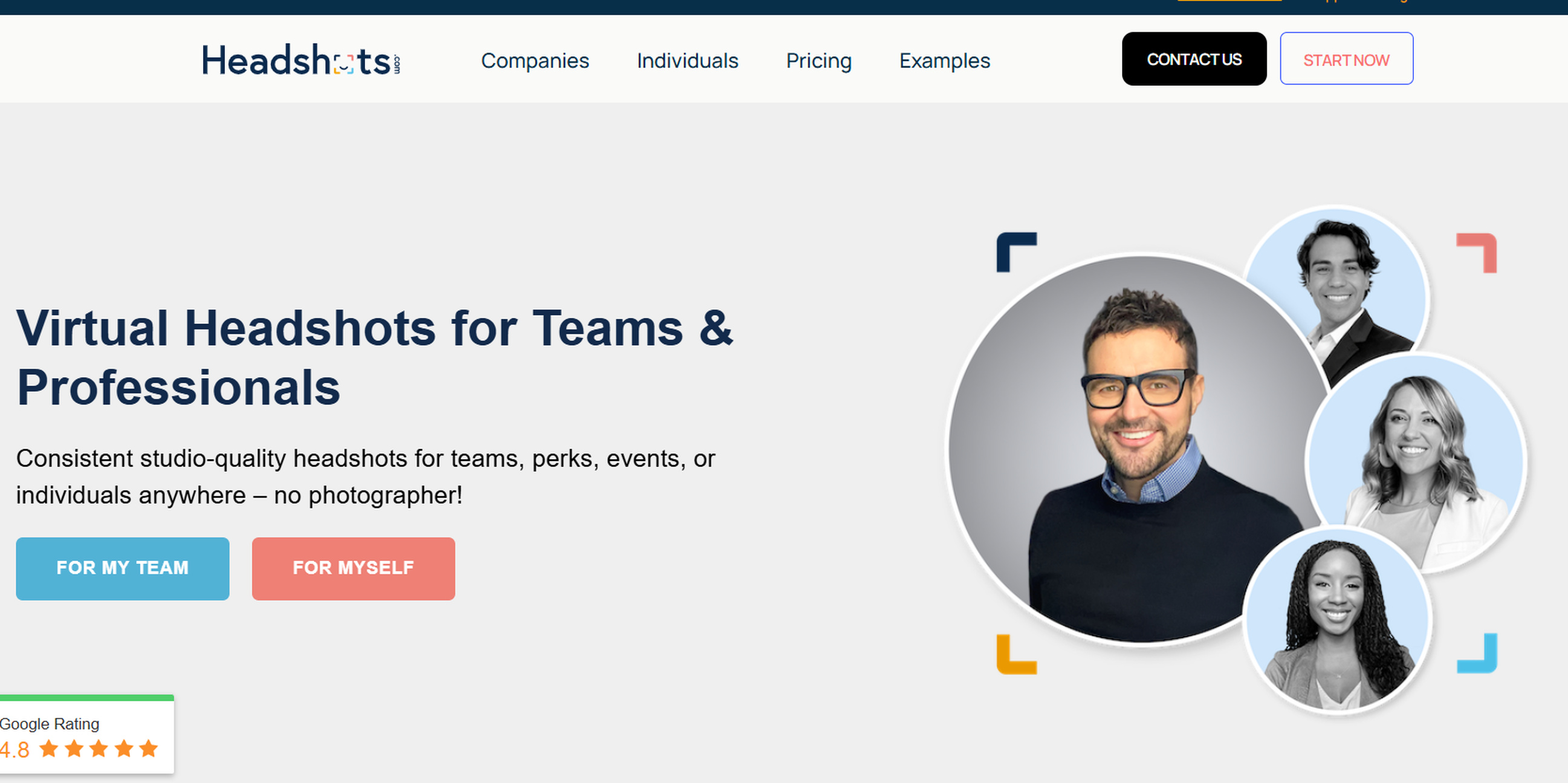
Headshots.com is a dedicated headshot service aimed at users who want professional portraits with a studio-style appearance.
Key features
The platform focuses specifically on professional headshots, making it relevant for LinkedIn, resumes, company websites, and workplace profiles.
Headshot quality
Evaluate facial details, lighting, clothing, background, and overall studio-style presentation.
Pros and cons
Pros: Professional focus, studio-style workflow.
Cons: Less useful for broader creative image projects.
Pricing
Plan | Starting price | Photos required | Turnaround | Headshots delivered |
|---|---|---|---|---|
Headshots.com (1–100 Headshots) | $60/headshot | 1 photo | 3 business days | 1 hand-edited headshot per person |
Headshots.com (101–250 Headshots) | $50/headshot | 1 photo | 3 business days | 1 hand-edited headshot per person |
HeadshotPro: Best for professional and team profiles
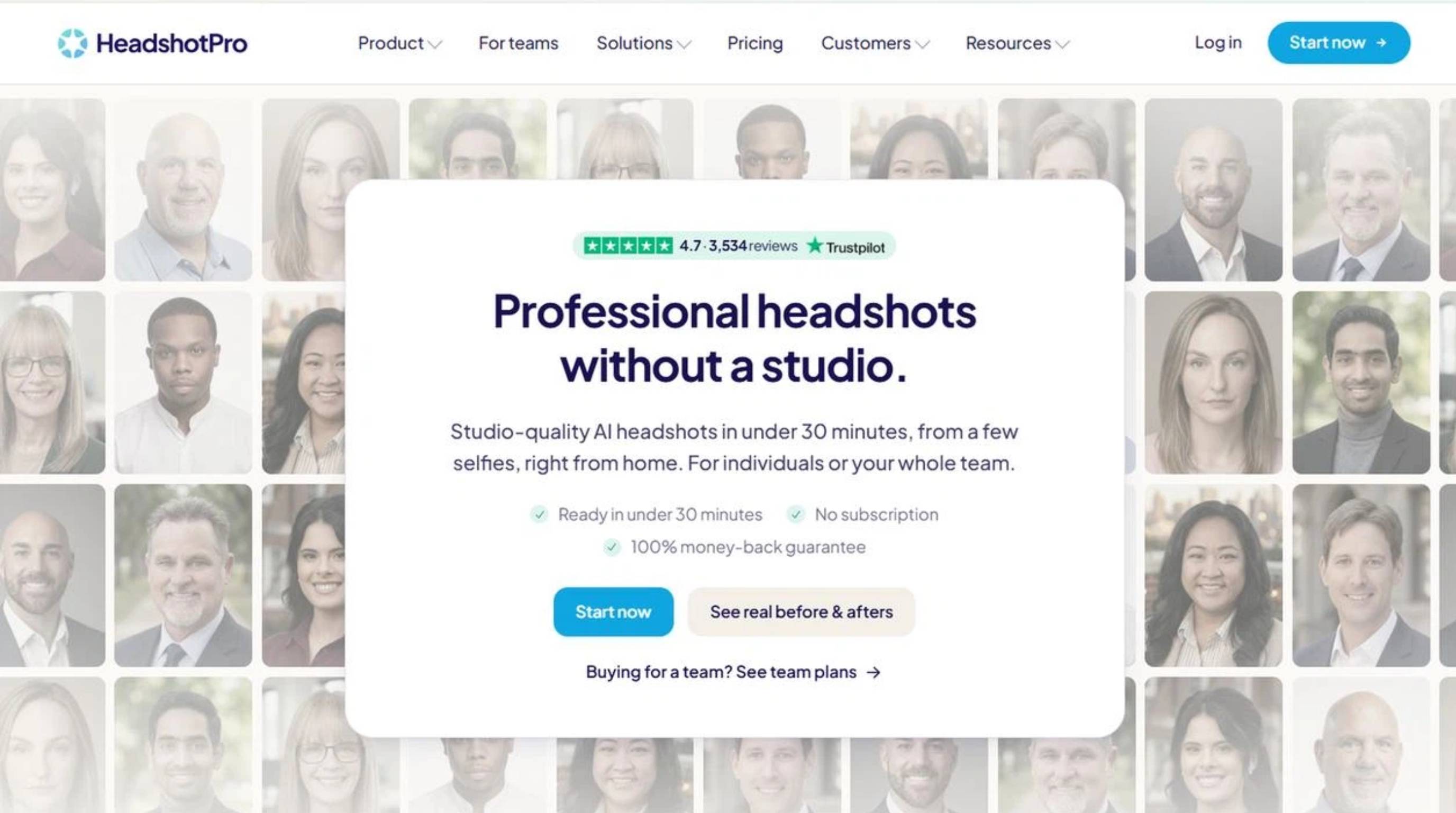
HeadshotPro is a dedicated service focused on professional portraits and can suit individuals and teams that need consistent workplace images.
Key features
The workflow is centered on professional headshots, making it suitable for business websites, employee profiles, and workplace branding.
Headshot quality
Check facial consistency, realistic proportions, professional lighting, and consistency across multiple portraits.
Pros and cons
Pros: Business-focused, suitable for professional and team profiles.
Cons: More specialized than a general AI image tool.
Pricing
Plan | Starting price | Photos required | Turnaround | Headshots delivered |
|---|---|---|---|---|
HeadshotPro (Small/Basic) | $29 | A few selfies | ~2 hours | 30 |
HeadshotPro (Normal/Professional) | $39 | A few selfies | ~30 minutes | 50 |
HeadshotPro (Premium/Executive) | $59 | A few selfies | ~15 minutes | 70 |
BetterPic: Best for headshot variety
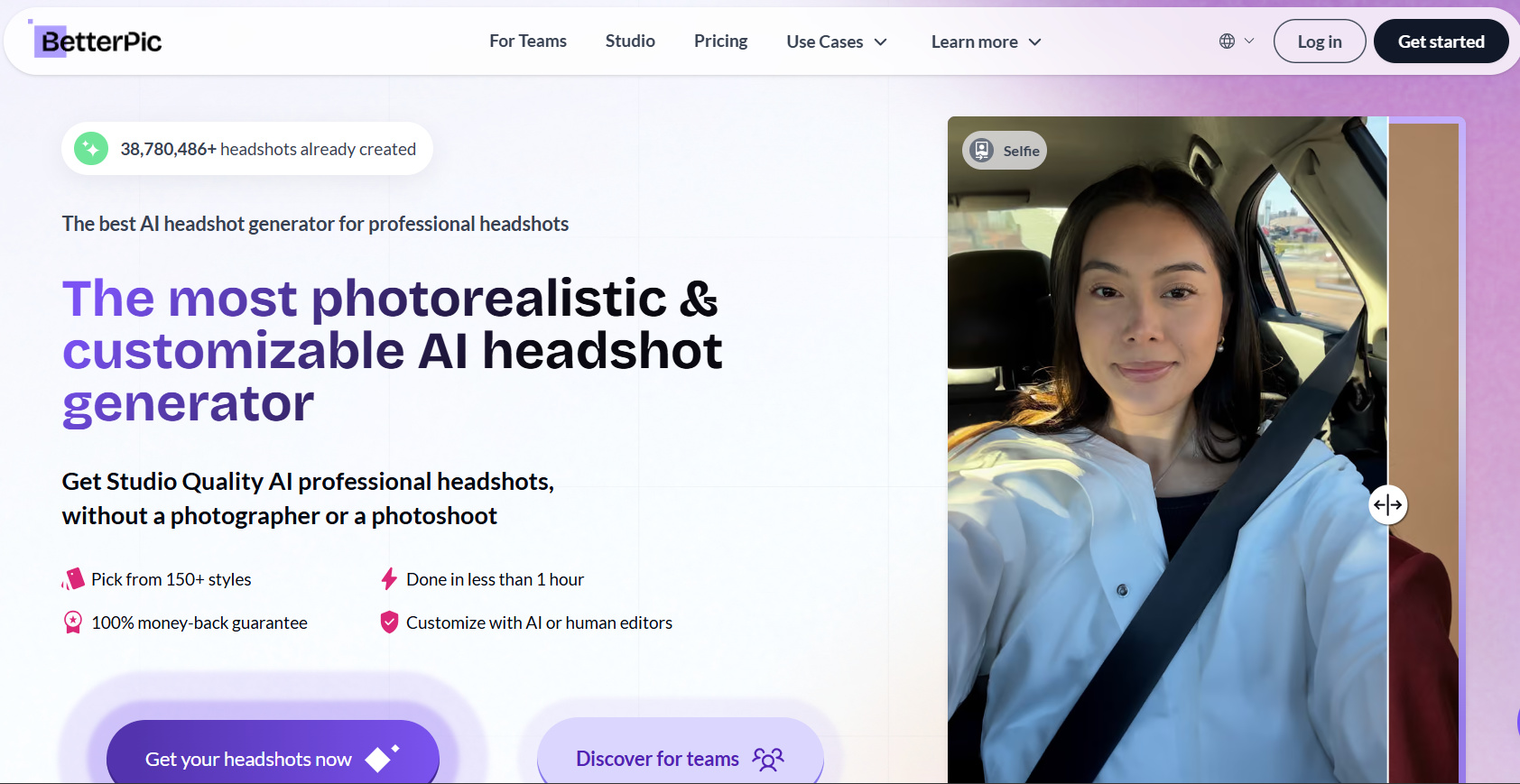
BetterPic is a dedicated headshot service suited to users who want different professional portrait styles from their source photos.
Key features
The platform focuses on portrait variety, making it useful for personal branding and users who want several professional looks.
Headshot quality
Compare multiple results for facial resemblance, natural skin, realistic clothing, and consistent identity.
Pros and cons
Pros: Portrait variety, specialized workflow.
Cons: More options may be unnecessary if you only need one profile image.
Pricing
Plan | Starting price | Photos required | Turnaround | Headshots delivered |
|---|---|---|---|---|
BetterPic (Basic) | $35 | few photos | ~2 hours | 20 |
BetterPic (Pro) | $39 | few photos | ~1.5 hours | 60 |
BetterPic (Expert) | $79 | few photos | ~1 hour | 120 |
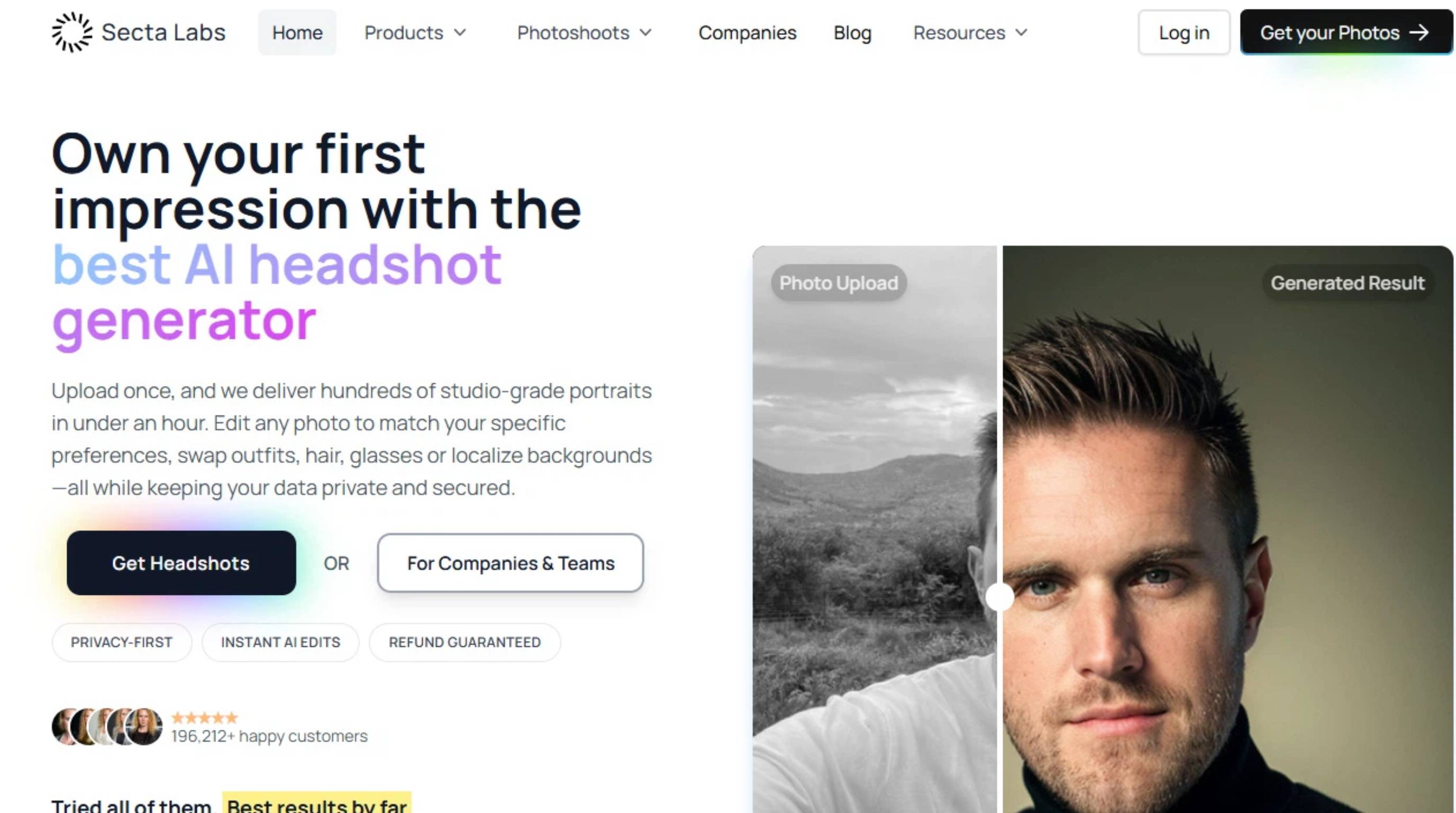
Secta AI: Best for creative volume
Secta AI is a dedicated headshot platform for users who want a wider selection of professional portrait variations.
Key features
The platform is built around generating multiple professional portraits from user-provided reference photos.
Headshot quality
Check facial identity, eyes, hair, skin, clothing, and backgrounds across the generated options.
Pros and cons
Pros: Multiple portrait possibilities, dedicated headshot workflow.
Cons: A specialized service may be unnecessary for a single image.
Pricing
Plan | Starting price | Photos required | Turnaround | Headshots delivered |
|---|---|---|---|---|
Secta AI | $49 | 20–25+ photos | Under 2 hours | 200+ |
ProfilePicture.AI: Best budget dedicated option
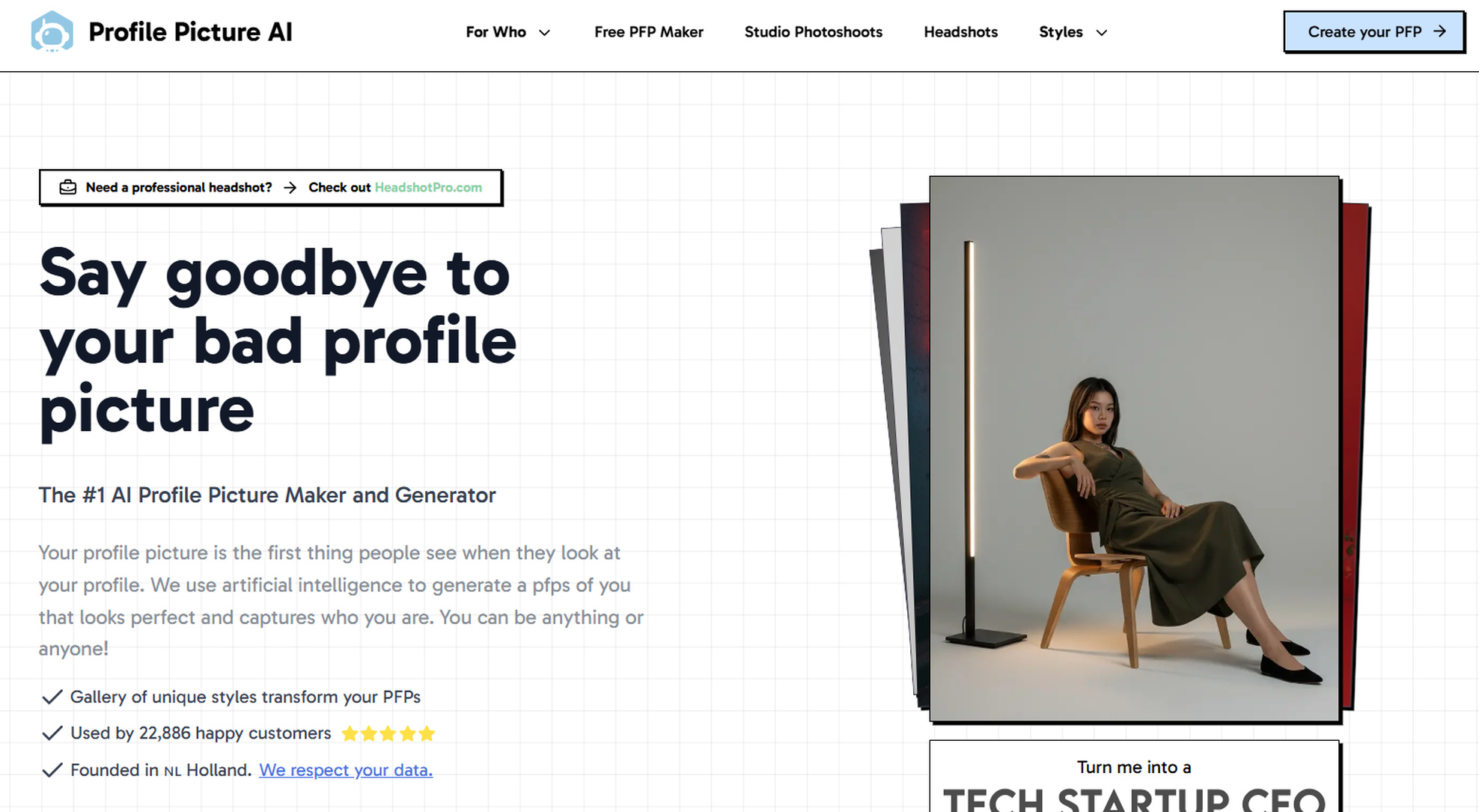
ProfilePicture.AI focuses on AI-generated profile images and offers a dedicated alternative to broader image-generation platforms.
Key features
The platform is designed around profile-picture creation and can suit users who want different portrait styles for professional or social profiles.
Headshot quality
Check facial resemblance, proportions, background quality, and whether the chosen style suits your intended use.
Pros and cons
Pros: Focused profile workflow, style variety.
Cons: Some creative styles may not suit formal corporate profiles.
Pricing
Plan | Starting price | Photos required | Turnaround | Headshots delivered |
|---|---|---|---|---|
ProfilePicture.ai (Small) | $6.40 | 1 photo minimum | ~1–2 hours | 96 photos (12 styles) |
ProfilePicture.ai (XL) | $11.80 | 1 photo minimum | ~1–2 hours | 280 photos (35 styles) |
ProfilePicture.ai (All-Inclusive) | $19.80 | 1 photo minimum | ~1–2 hours | 800+ photos (100+ styles) |
insMind: Best for a quick one-photo workflow
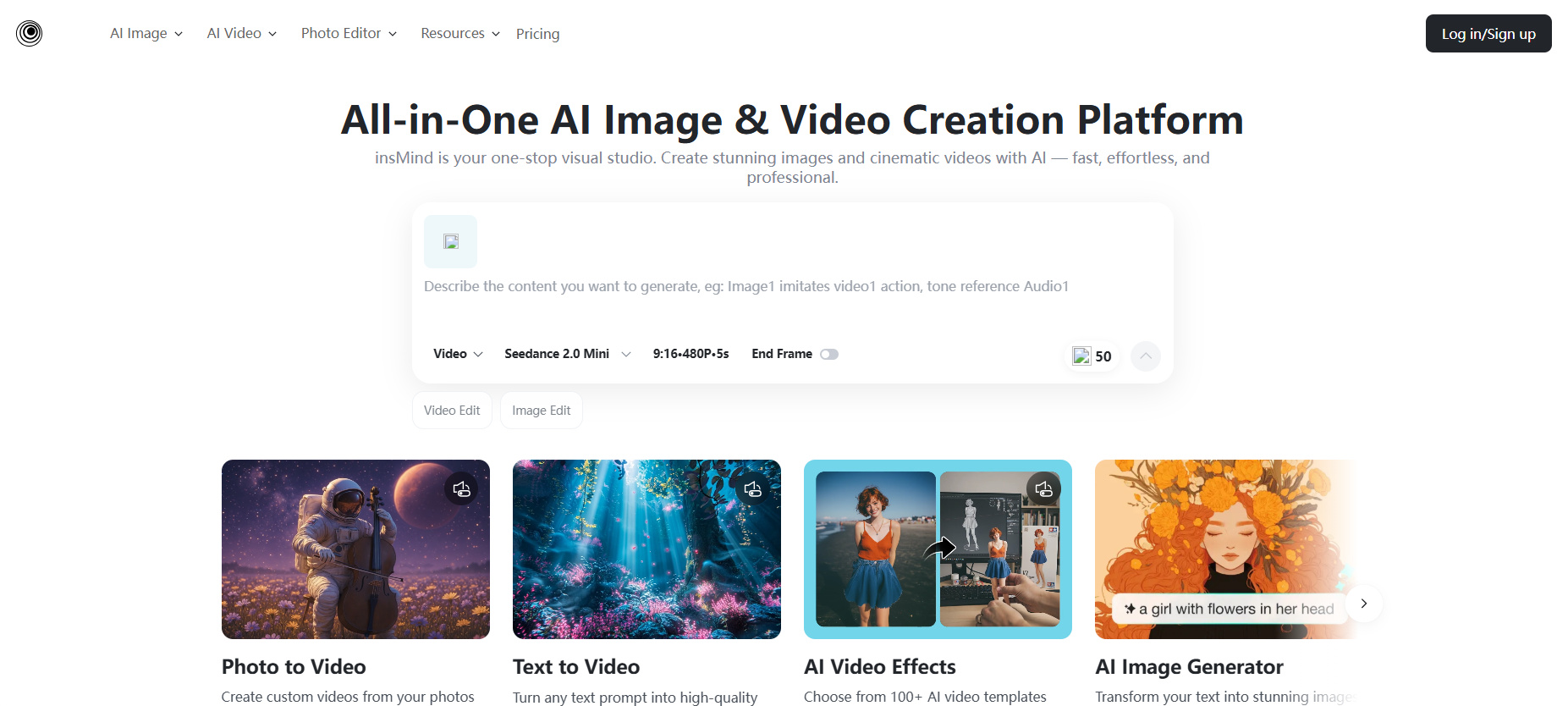
insMind is a general AI image tool rather than a dedicated headshot service. Its headshot workflow can suit users who want a quick portrait while also having access to broader image tools.
Key features
The broader workflow can be useful when a professional portrait is only one part of a larger image project.
Headshot quality
Compare the result with the reference image, especially facial structure, eyes, skin texture, proportions, and lighting.
Pros and cons
Pros: Broader image capabilities, quick workflow.
Cons: Not designed as a dedicated batch headshot service.
Pricing
Plan | Starting price | Photos required | Turnaround | Headshots delivered |
|---|---|---|---|---|
insMind (Basic) | $5.83/mo (billed yearly, $69.99/yr) or $12.99/mo (monthly) | 1 selfie/photo | Instant / Seconds | 1,000 credits/mo (up to 100 images or 40 videos/mo) |
insMind (Pro) | $25.00/mo (billed yearly, $299.99/yr) or $39.99/mo (monthly) | 1 selfie/photo | Instant / Seconds | 5,000 credits/mo (up to 500 images or 200 videos/mo) |
insMind (Ultra) | $100.00/mo (billed yearly, $1199.99/yr) or $179.99/mo (monthly) | 1 selfie/photo | Instant / Seconds | 30,000 credits/mo (up to 3,000 images or 1,200 videos/mo) |
Designkit: Best if you also need other visual assets
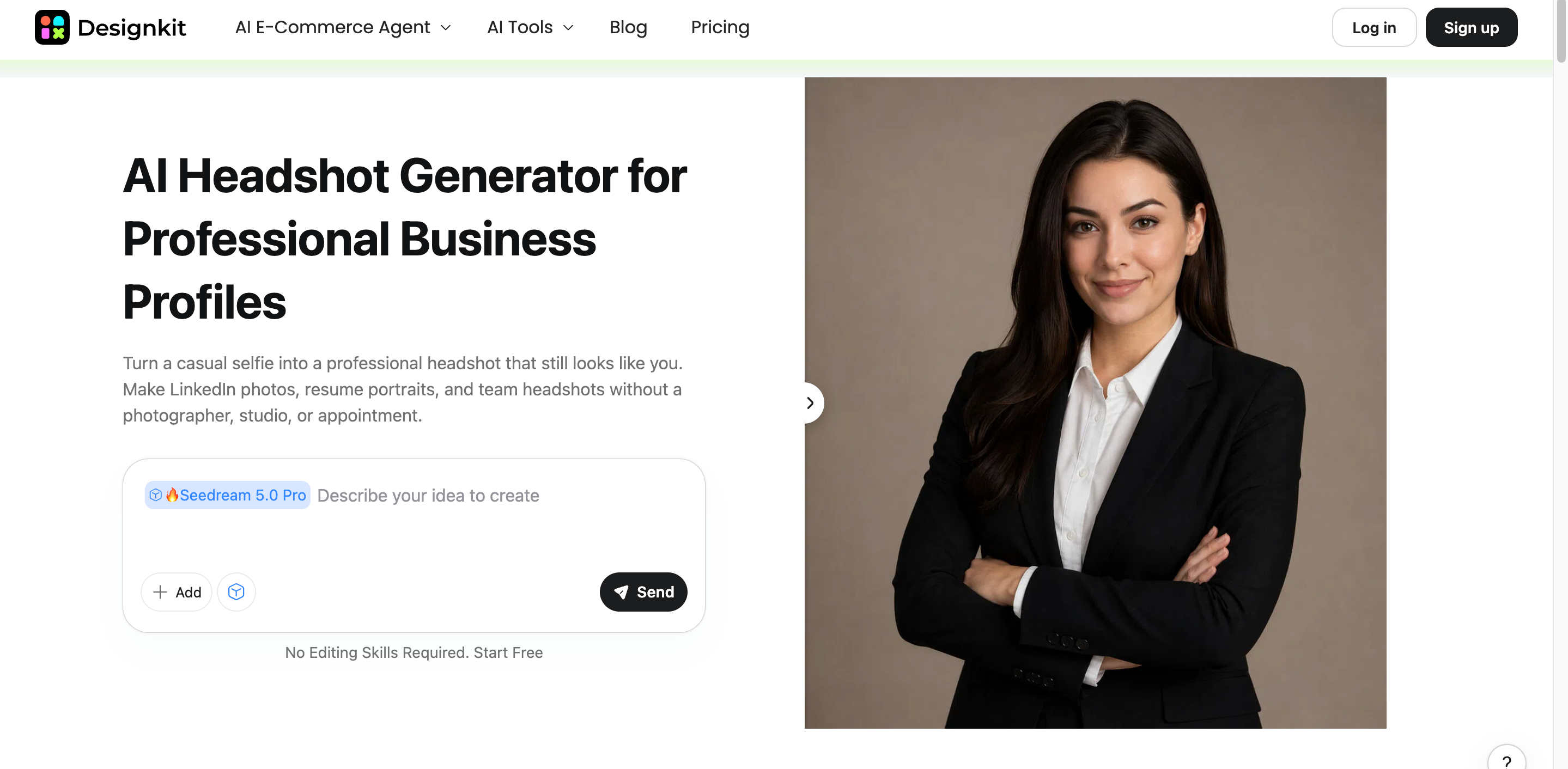
Designkit is a general AI image and design tool, not a dedicated multi-selfie headshot service. It makes more sense when the headshot is part of a wider visual project.
Key features
AI image generation: Create professional-looking headshots from a reference image and text prompts.
Style customization: Explore different visual directions, backgrounds, clothing, lighting, and portrait styles through prompts.
AI image editing: Refine generated images and make adjustments to better match the intended professional look.
Broader visual creation: Create and adapt other visual assets beyond headshots, which is useful for users working on multiple design projects.
Flexible workflow: Use the same platform for headshot creation and other image-generation or editing tasks instead of relying on a dedicated headshot service.
Headshot quality
Evaluate facial resemblance, framing, lighting, background, and whether the final image matches the intended professional setting.
Pros and cons
Pros: Broader visual workflow, useful for multiple design needs.
Cons: Not a specialized batch headshot service.
Pricing
Plan | Starting price | Photos required | Turnaround | Headshots delivered |
|---|---|---|---|---|
Designkit (Free) | Free ($0) | 1 photo minimum | Instant / Seconds | Limited generations |
Designkit (Plus) | $20/mo | 1 photo minimum | Instant / Seconds | Higher limits & faster generations |
Designkit (Pro) | $200/mo | 1 photo minimum | Instant / Seconds | Highest limits & priority access |
How to create a professional AI headshot with Designkit
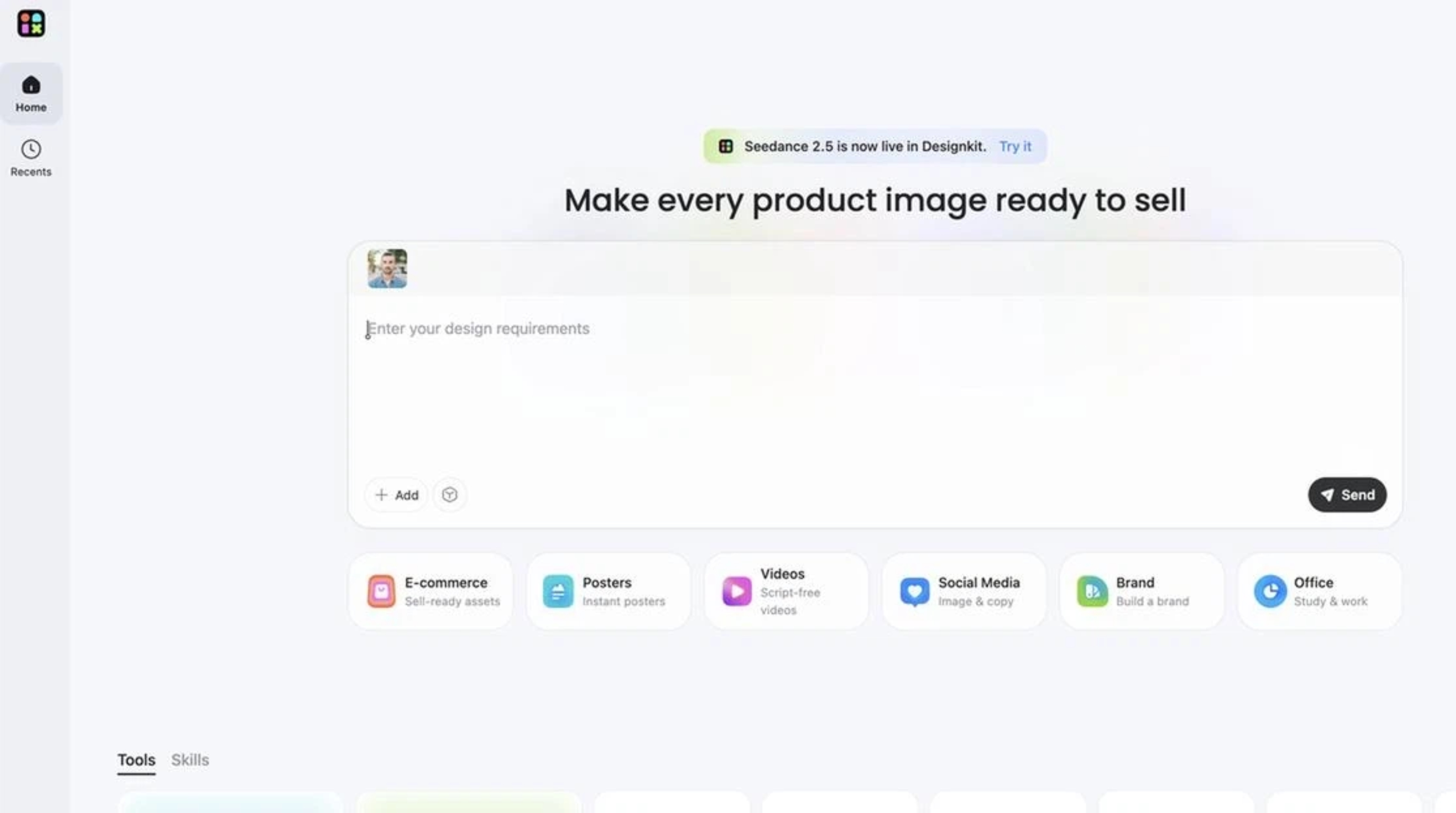
Step 1: Upload a clear reference photo
Choose a clear image where your face is visible and unobstructed. A good reference gives the AI workflow enough information to create a recognizable professional portrait.
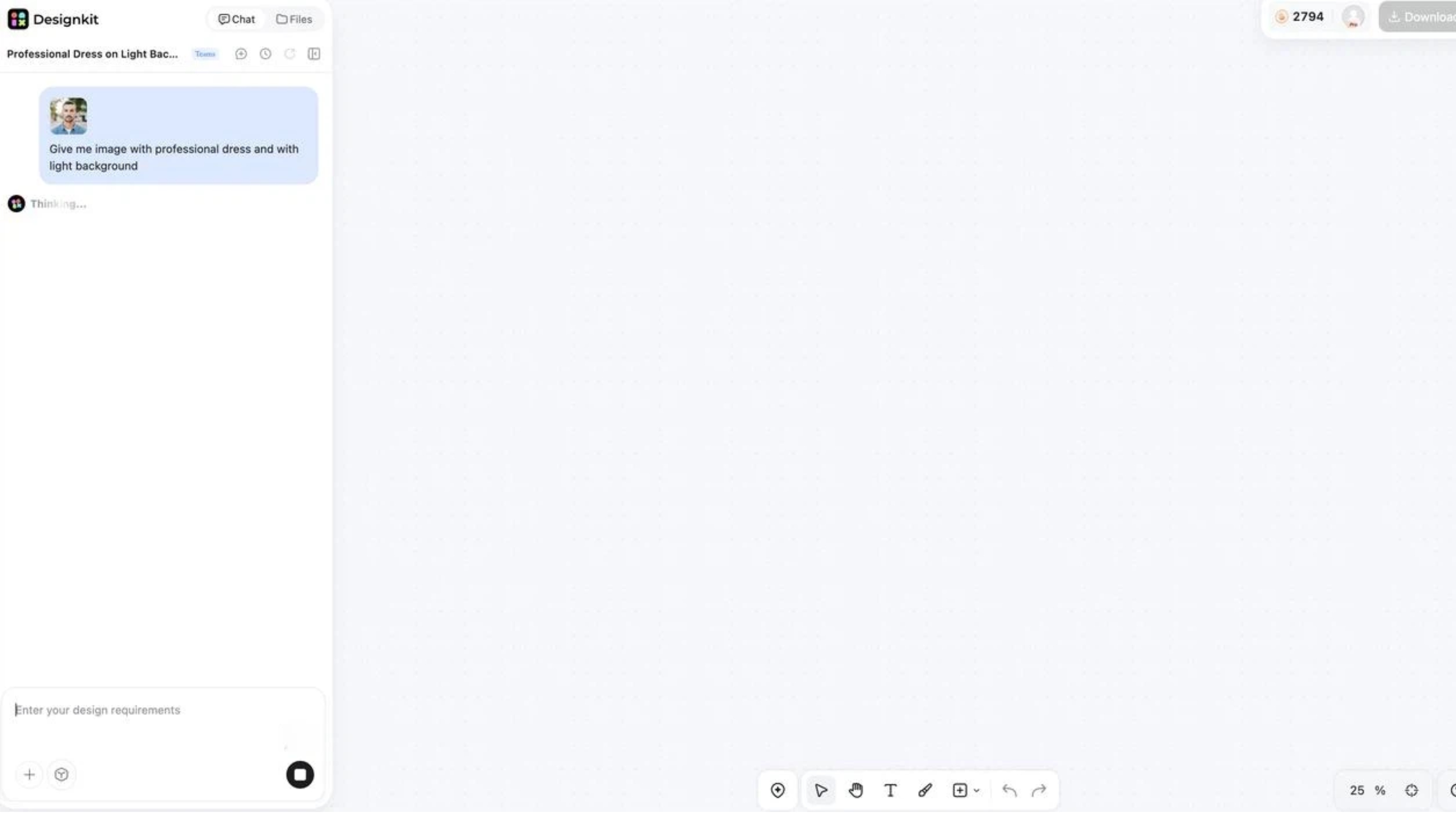
Step 2: Generate your headshot
Describe the desired clothing, background, lighting, framing, and professional setting. Review the result and adjust the prompt when necessary.
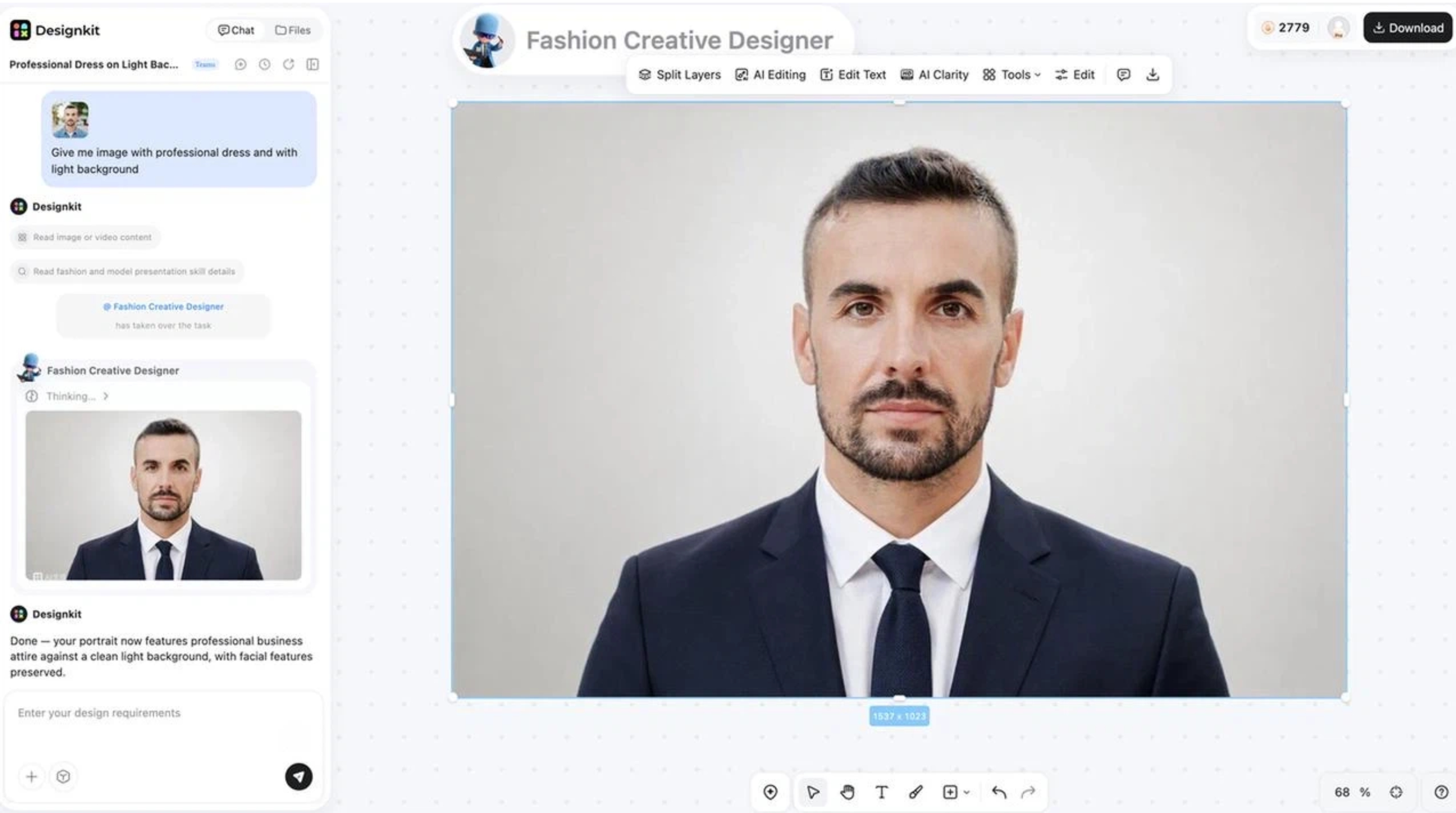
Step 3: Refine and download the final image
Choose the version that best fits your intended use. Make any available refinements, then download the portrait for your LinkedIn profile, resume, website, or other project.
Canva: Best free option to test
Canva is a general design platform with AI image-generation capabilities. It can suit users who want to test AI portraits while working within a broader design environment.
Key features
Canva combines AI image creation with design tools, allowing generated portraits to be used in resumes, presentations, social graphics, and other layouts.
Headshot quality
Check facial accuracy, lighting, proportions, and overall professional presentation before publishing the image.
Pros and cons
Pros: Broad design environment, useful for testing AI image creation.
Cons: Not a dedicated headshot service.
Pricing
Plan | Starting price | Photos required | Turnaround | Headshots delivered |
|---|---|---|---|---|
Canva (Free) | Free ($0) | 1 photo | Instant / Seconds | 1 headshot per run |
Canva (Pro) | $14.99/mo (or $120/yr) | 1 photo | Instant / Seconds | Unlimited generations via AI tools |
Canva (Teams/Business) | $10/user/mo (or $100/user/yr) | 1 photo | Instant / Seconds | Unlimited generations across team seats |
Which AI Headshot Generator Is Right for You?
Different AI headshot generators are designed for different purposes. Some specialize in lifelike business portraits while others offer more customization, quicker generation, or wider creative options. Budget, use cases, and the level of control you require can help you decide on the right tool.
Use Case | Recommended AI Headshot Generator | Why It Fits |
|---|---|---|
Best overall AI headshot generator | Aragon AI | Good balance of realism, customization, generation speed, and professional styles for LinkedIn and business profiles |
Best for realistic studio-style headshots | Headshots.com | Designed for users who prioritize natural facial details, professional lighting, and polished portrait results |
Best for professional profile photos | HeadshotPro | Suitable for users who need business-focused portraits, team photos, and workplace profiles |
Best for quick professional portraits | insMind AI Headshot Generator | A practical option for users who want fast AI-generated headshots without a complicated workflow |
Best for customizable AI headshots | Designkit | Better suited for users who want to create headshots while also editing, generating, and adapting other visual assets |
Best for creative personal branding | Secta AI/ProfilePicture.AI | Useful for users who want more variety in styles, backgrounds, and creative profile images |
Best budget-friendly option | Free AI headshot generators | Good for testing AI headshots before choosing a paid professional tool |
Final thoughts
The best AI headshot generator will depend on what you need from the workflow. Dedicated services are better suited for those who want specialized portrait generation and batch results, while general AI image tools are more useful when a headshot is just one part of a larger creative project.
Compare photos needed, turnaround, outputs, realism, customization, pricing, and usage rights before you decide. For projects that involve more than one portrait, Designkit has a larger AI design workflow that can help with other visual assets beyond professional imagery.
Frequently Asked Questions
Are AI-generated headshots good enough for LinkedIn?
How many photos do I need to create an AI headshot?
It depends on the tool. Services that provide dedicated headshots typically employ many reference photographs, while generic AI image technologies can use a single reference image. Designkit is the latter, a more general AI picture workflow rather than a multi-selfie headshot training procedure.
Can I use an AI headshot for my resume or job application?
Yes, if the photograph fits the employer or application requirements. Make your portrait professional and a true representation of you. Designkit allows you to make a headshot and change the look for professional documents like resumes or profile pages.
Are AI headshot generators safe to use?
Check the platform's privacy policy before uploading personal photos. Pay attention to how images are processed, stored, retained, and deleted. The same applies when using Designkit or any other AI image tool with personal reference images.
Is a free AI headshot generator good enough for professional use?
A free AI headshot generator might work for testing, but before using the results for a professional purpose, make sure to verify the quality, watermarks, output restrictions, facial accuracy, and usage rights. If you want to generate or edit AI images more generally, rather than just a dedicated headshot service, Designkit is worth considering.
Can I create different professional looks from the same photo?
Many platforms allow different styles from the same reference image. Different tools offer different levels of control over clothing, backdrops, lighting, and framing. Designkit is handy if you want to experiment with many professional visual directions, yet at the same time produce or edit other image assets.
You May Also Like

Instagram Carousel: What It Is, How to Post & Create One

Nano Banana Prompts: 20+ Examples for Better AI Images

Ideogram AI Review 2026: Features, Pricing & Alternatives

Free Mac Photo Editor: 5 Tools Compared for Mac Users

How to Crop a Photo Into a Circle Online (Keep Quality)

How to Make an Image Transparent Online (AI Guide)

Pixlr Background Remover Review 2026: Features, Pricing & Alternatives

How to Fix Overexposed Photos: Recover Highlights Fast

OpenArt AI Review 2026: Features, Pricing & Alternatives

Best AI Headshot Generator: 9 Tools Compared for 2026

Best Stencil Maker Tools 2026: Turn Photos Into Stencils

Pixelbin Watermark Remover Review: Image & Video Results Tested

How to Make a Sticker on iPhone: Easy Step by Step Guide

Best AI Logo Generator in 2026: 10 Tools Compared

How to Turn a Photo Into a Cartoon: A Beginner-Friendly Guide

Landscape vs Portrait: Key Differences & Best Uses in 2026

How to Remove Watermark From Photo: AI, Photoshop & More

How to Fix Pixelated Photos: Photoshop, AI Tools & Tips

Bing Image Creator: How It Works, Features, Uses & Alternatives

How to Remove People from Photos with AI: A Step-by-Step Guide

How to Increase Image Resolution: AI, Photoshop & PPI

How to Add Text to a Photo: 8 Tips for Better Results

How to Fix Grainy Photos: Easy Ways to Clear Images

Creative Profile Picture Ideas for Every Style and Platform

Evoto AI Review 2026: Features, Pricing, Pros & Cons

Pixlr Photo Editor Review: Features, Pricing & Alternatives

Best AI Image Extender Tools in 2026: Expand Photos with AI

How to Make a Collage on iPhone: Easy Guide for 2026

How to Sharpen an Image in Photoshop (Smart Sharpen and Unsharp Mask)

Best Image Background Remover Tools in 2026: AI Tools Compared

How to Make Transparent Background in Paint: Step-by-Step Guide

How to Resize an Image: Best Methods, Tools & Quality Tips

Best AI Image Generator Tools in 2026: Top AI Platforms Compared
Remove.bg Review 2026: Features, Pricing, Safety & Alternatives

Luminar Neo Photo Editor Review 2026: AI Features, Price & Pros

How to Post Multiple Photos on Instagram (2026 Guide)

25 Facebook Cover Photo Ideas for Personal & Business Pages

What Is a PFP? Meaning, Examples & How to Create One

Can You Edit an Instagram Post After Posting?

11 Best Canva Alternatives in 2026 for AI Design & Marketing

8 Best Midjourney Alternatives in 2026: Features, Pricing & Comparison

How to Restore Old Photos: AI Tools, Tips & Best Methods

Pixelcut AI Review 2026: Features, Pricing, Pros, Cons & Alternatives

How to Apply Watermark to Photos: Methods, Tips & AI Tools

How to Remove a Background in Illustrator: 4 Easy Methods

How to Change Background Color on Instagram Story (Easy Guide)

8 Best AI Poster Generators in 2026: Create Posters Faster with AI

10 Best AI Image Enhancers in 2026: Tested & Compared

10 Best AI Image Editors in 2026: Features, Pricing & Comparison

7 Best AI Background Changer in 2026: Remove & Replace Photo Backgrounds

Luminar Neo vs Lightroom: Features, Pricing & Comparison 2026

Kittl Review 2026: Is It Worth It? Features & Pricing

How to Make a Blurry Image Clear: 5 AI & Manual Ways

How to Remove Background on iPhone: 5 Easy Methods (2026)

Photoroom Background Remover Review 2026: Features & Alternatives

How to Remove Background in Canva: A Step-by-Step Guide

How to Remove Background in GIMP: Beginner-Friendly Guide

Funny Dog Memes to Try: Doge Meaning and 10 Original Ideas

Back to School Checklist 2026: Supplies, Timeline, and Planning

Recraft AI Review 2026: Features, Pricing, Pros, Cons & Alternatives

How to Make an Image Transparent in Google Slides: Opacity & Background Removal

VanceAI Photo Enhancer Review: Features, Pricing & Alternatives in 2026

What Does Emojify Mean? Text, Photos, & Emoji Art Explained

Top 8 Online Background Removers for Ecommerce Photos (2026)

How to Remove Background in Photoshop: 7 Easy Methods

6 Best AI Image Upscalers 2026: Tools Tested & Compared

Project Indigo Review: Is It Better Than iPhone Camera?

How Big Is an 8x10 Photo? Size, Pixels & Frame Guide

How Big Is a 4x6 Photo? Dimensions, Pixels & Printing Tips

Picsart AI Review: Features, Pricing, Pros, Cons & Alternatives

Lovart AI Review: AI Design Agent Features, Pricing & Alternatives

Fotor AI Image Generator Review: Features, Pricing & Alternatives

How to Add Emoji to Photo Online for Free

Emoji Wallpaper Ideas & How to Make One Online (2026)

Minimalist Poster Design: How to Make a Clean Poster (2026)

How to Make a Custom Poster That Is Ready to Print

Instagram Image Size Guide 2026: Post, Reel, Story & Carousel Specs

LinkedIn Image Size Guide: Profile, Post & Banner Dimensions

YouTube Profile Image Size: Best Dimensions & Safe Area 2026

How to Edit Amazon Product Photos That Boost Sales Fast
Create Professional Headshots with AI
Create professional AI-generated headshots for LinkedIn, resumes, websites, and personal branding with Designkit's broader AI image and design workflow.
